
 EN
EN


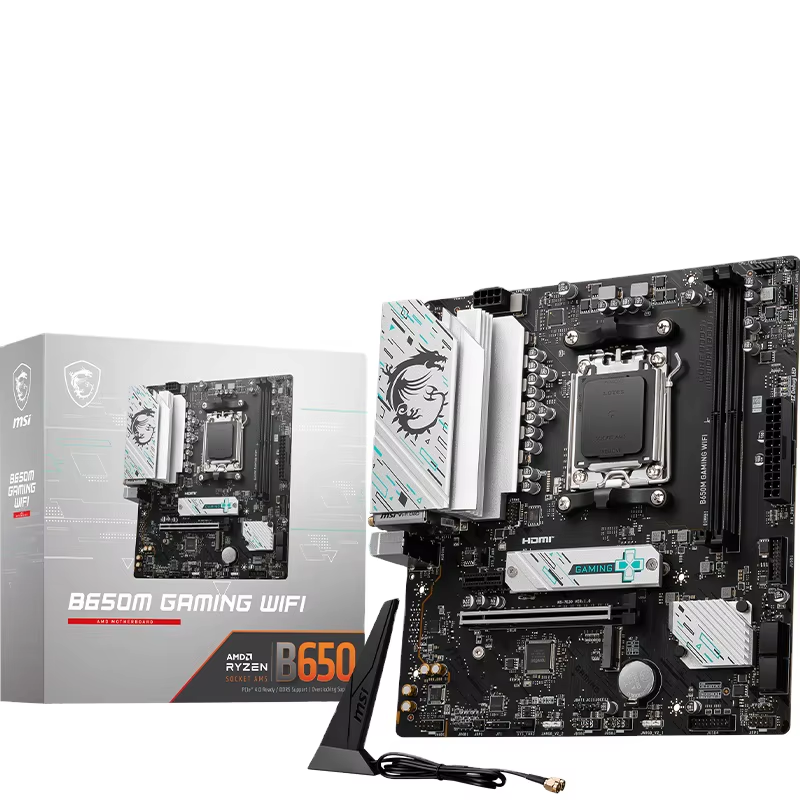
DDR5 Compatibility: QVL Validation and Memory Specification Alignment
Why QVL Lists Are Essential for Business DDR5 Reliability
A Qualified Vendor List (QVL) is a publicly available, manufacturer-tested registry of memory kits validated for a specific motherboard. For business PCs, system stability isn’t optional—it’s foundational to revenue continuity. A QVL confirms that a DDR5 module operates reliably at its rated speed, timings, and voltage under sustained, heavy workloads—not just during brief boot tests. Skipping QVL validation introduces tangible risk: failures to POST, intermittent crashes, or Blue Screens of Death (BSODs) caused by subtle mismatches in memory controller behavior, firmware logic, or signal integrity—issues JEDEC compliance alone cannot resolve.
While non-QVL kits may function, deploying unvalidated DDR5 across a 4-DIMM configuration multiplies instability risks. The QVL eliminates guesswork before procurement, preventing costly fleet-wide rollouts compromised by latent downtime. Crucially, many boards require a BIOS update before QVL-listed kits will run stably—even if the kit appears compatible—because newer memory reference code is needed to support advanced DDR5 features like on-die ECC or power management.
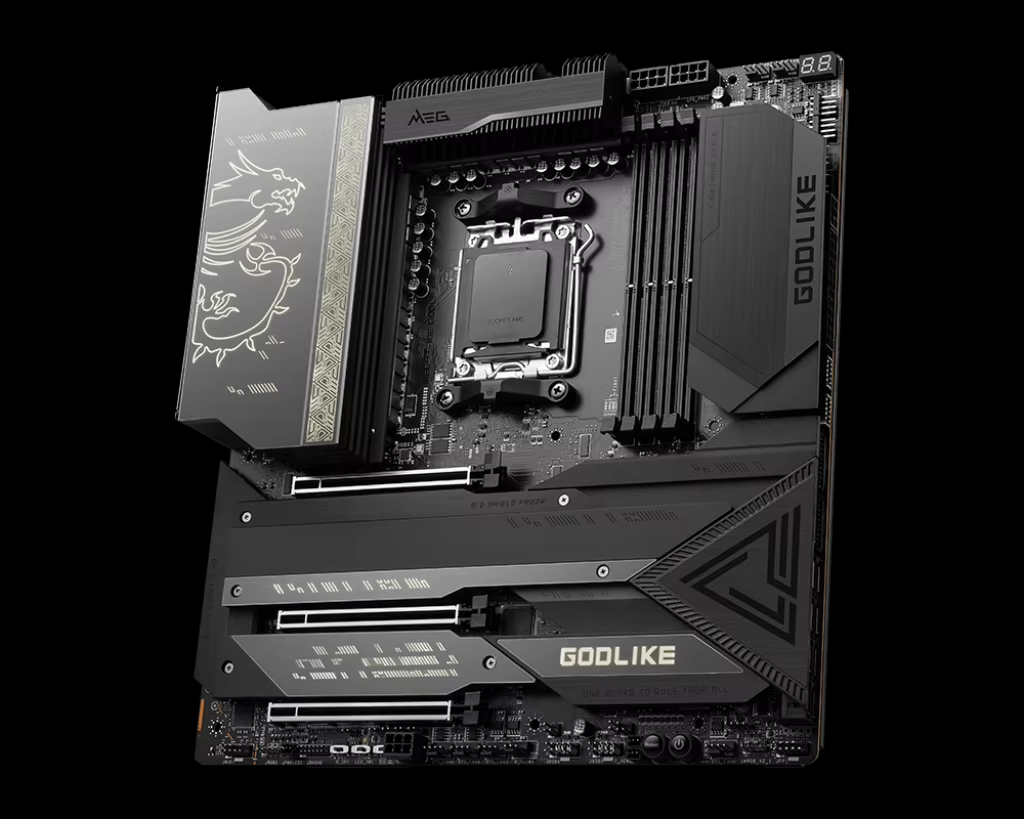
Matching DDR5 Speed, Capacity, and EXPO Support to Business Workloads
Beyond QVL validation, memory selection must align with real-world workload demands—not just peak specs. Maximum MT/s yields diminishing returns for standard office applications but delivers measurable gains in data modeling, financial simulation, or large-scale spreadsheet processing. Capacity planning should also anticipate software bloat and virtualization overhead; undersizing RAM today often triggers premature hardware refreshes tomorrow.
For enterprise deployments, a 2-DIMM configuration remains the gold standard for high-speed DDR5 stability. Populating all four slots increases electrical load on the memory controller, frequently forcing frequency downgrades (e.g., from 6000 MT/s to 4800 MT/s)—a hidden performance tax that undermines the value of premium memory. On AMD platforms, EXtended Profiles for Overclocking (EXPO) is critical: it provides pre-validated, safe overclocking profiles embedded in compatible DDR5 modules. Using an EXPO-capable kit on an EXPO-supported chipset (e.g., X670E or B650E) enables one-click, stable performance uplift without manual tuning. Choosing a non-EXPO kit—or pairing an EXPO kit with a non-supporting board—shifts configuration burden to IT staff and invites instability, increasing help desk volume and eroding operational efficiency.
CPU and Chipset Compatibility: Ensuring Long-Term Motherboard Viability
Intel LGA 1700 vs. AMD AM5: Matching Motherboard to Processor Generation
Socket compatibility is necessary—but insufficient—for full feature support. Intel’s LGA 1700 platform spans 12th-, 13th-, and 14th-generation Core processors, yet chipset choice dictates capability: Z790 enables PCIe 5.0 and full CPU overclocking; H770 offers balanced I/O and memory tuning; B760 targets cost-sensitive business builds with locked memory and no PCIe 5.0. Similarly, AMD’s AM5 socket supports Ryzen 7000–8000 series CPUs, but chipsets define scalability—X670E unlocks full PCIe 5.0 bandwidth and robust VRMs, while B650E provides essential EXPO support and USB 3.2 Gen 2x2, albeit with fewer lanes and weaker power delivery.
Mismatched pairings create silent performance gaps. A Ryzen 9 7950X on a budget B650 board may throttle under sustained rendering or compilation due to inadequate VRM cooling and limited memory controller headroom—despite booting successfully. Always consult the motherboard manufacturer’s official CPU support list and chipset feature matrix to ensure alignment with current and near-future workload requirements.
Future-Proofing Realities: BIOS Updates, Chipset Lifespan, and Upgrade Paths
Long-term motherboard viability depends less on socket longevity than on chipset roadmap clarity and vendor BIOS support. Intel’s LGA 1700 platform ends with 14th-gen Core—Core Ultra (Meteor Lake and beyond) requires LGA 1851. In contrast, AMD has committed to AM5 through at least 2027, enabling B650E and X670E boards to support multiple future CPU generations via BIOS updates alone. That said, BIOS updates remain mandatory to enable newer CPUs—and not all boards support them without a compatible “bridge” processor. Boards with USB BIOS Flashback or dedicated flashback buttons let IT teams update firmware remotely or without installing a CPU, a vital capability for large-scale deployments.
A 2023 Spiceworks survey of enterprise IT managers found that 68% of avoided compatibility escalations resulted from proactive BIOS updates prior to deployment. Prioritize motherboards with documented long-term BIOS support, mature VRM designs, and chipsets that balance today’s needs—like PCIe 5.0 readiness or EXPO support—with a clear, vendor-backed upgrade path.
Stability-Critical Motherboard Features for Business Continuity
VRM Design and Thermal Management for Sustained Workloads
Voltage Regulator Modules (VRMs) deliver precise, stable power to the CPU—making them mission-critical for business systems running 24/7. High-quality VRMs use all-solid capacitors, high-current chokes, and digital PWM controllers to minimize voltage ripple and thermal drift. Multi-phase designs (e.g., 12+2 or higher) distribute load efficiently, while integrated heatsinks prevent thermal throttling during sustained 100% loads—such as database queries, virtual machine orchestration, or video encoding. Poorly cooled VRMs can exceed 105°C, triggering automatic frequency reduction or outright instability, directly threatening uptime and accelerating component wear.
2.5GbE, Wi-Fi 6E/7, and Throttling Mitigation as Enterprise Safeguards
Modern business motherboards integrate networking and thermal intelligence to preserve continuity. 2.5GbE LAN doubles bandwidth over Gigabit Ethernet—accelerating cloud backups, large-file transfers, and remote desktop responsiveness. Wi-Fi 6E and Wi-Fi 7 add low-latency, high-concurrency wireless for hybrid offices and mobile workforces. Critically, these interfaces are paired with intelligent thermal mitigation: VRM temperature sensors feed real-time data to fan curves and dynamic power delivery algorithms, preventing network interface throttling during heat spikes. This ensures consistent throughput and packet integrity—even during extended high-throughput tasks—reducing connectivity-related outages and supporting SLA-bound operations.
Expandability and Integration: Balancing PCIe 5.0, M.2, and RAM Flexibility
PCIe 5.0 Lane Sharing and Its Impact on Storage and GPU Scalability
PCIe 5.0’s 32 GT/s per lane doubles bandwidth over PCIe 4.0—but motherboard implementation determines whether that potential translates into real-world scalability. Chipsets commonly share PCIe lanes between the primary x16 GPU slot and M.2 NVMe sockets. For example, populating a second PCIe 5.0 M.2 drive may force the GPU slot to operate at x8 mode—still sufficient for most professional GPUs (e.g., RTX 6000 Ada or Radeon PRO W7900), but potentially limiting future upgrades or multi-GPU configurations. Boards with independent PCIe root controllers, flexible lane bifurcation (e.g., x8/x8), and dedicated storage controllers avoid these bottlenecks, ensuring storage arrays, AI accelerators, and GPUs scale without contention. Choose based on your workload’s I/O profile—not just headline specs.
FAQs
What is a QVL, and why is it important?
A Qualified Vendor List (QVL) is a manufacturer-tested registry of DDR5 memory kits validated for specific motherboards. It ensures compatibility, stability, and reliability, preventing issues like crashes or BSODs in business systems.
Why is BIOS updating crucial for DDR5 and CPU compatibility?
BIOS updates include support for newer DDR5 features, CPUs, and configurations, enabling stable performance and avoiding compatibility issues during deployment.
What role does EXPO support play in AMD DDR5 systems?
EXPO offers pre-validated overclocking profiles for AMD DDR5 motherboards, ensuring stability and performance without manual tuning, essential for business IT operations.
How does PCIe 5.0 lane sharing affect system performance?
PCIe 5.0 lane sharing can reduce GPU bandwidth when additional M.2 NVMe drives are added. Choosing motherboards with independent lane designs prevents such bottlenecks.
What features ensure motherboard long-term viability?
Features like USB BIOS Flashback, robust VRM designs, and clear chipset roadmaps ensure long-term compatibility, scalability, and stability, crucial for enterprise deployments.