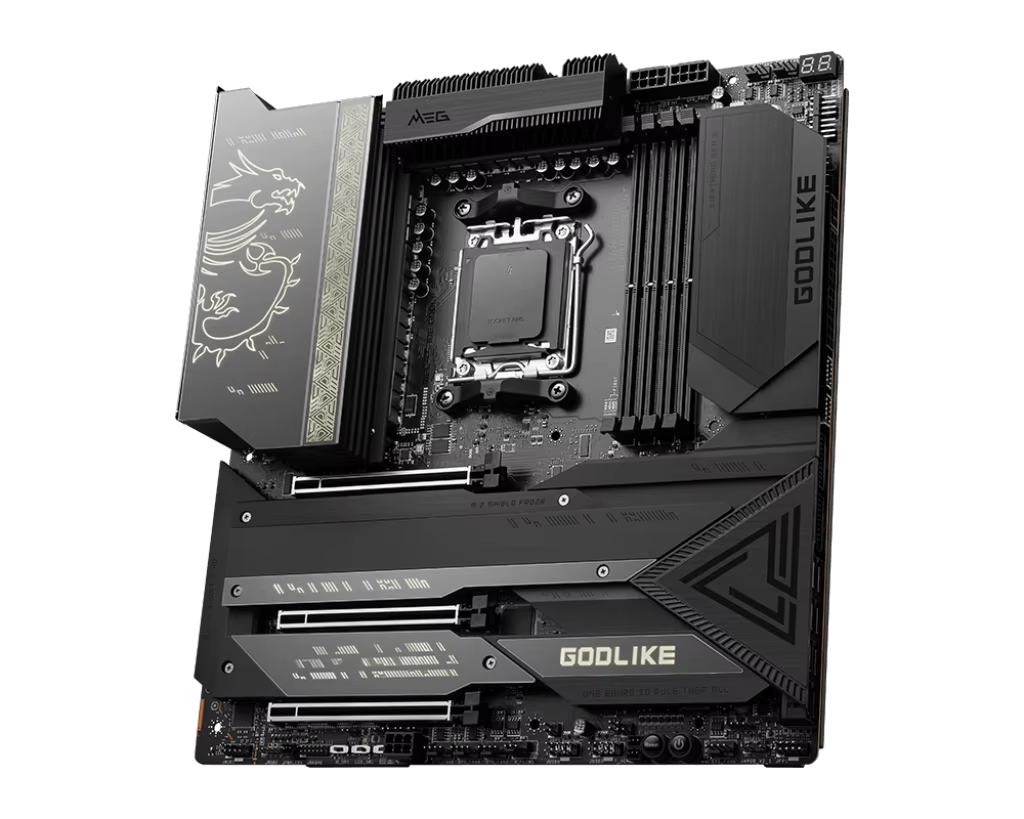
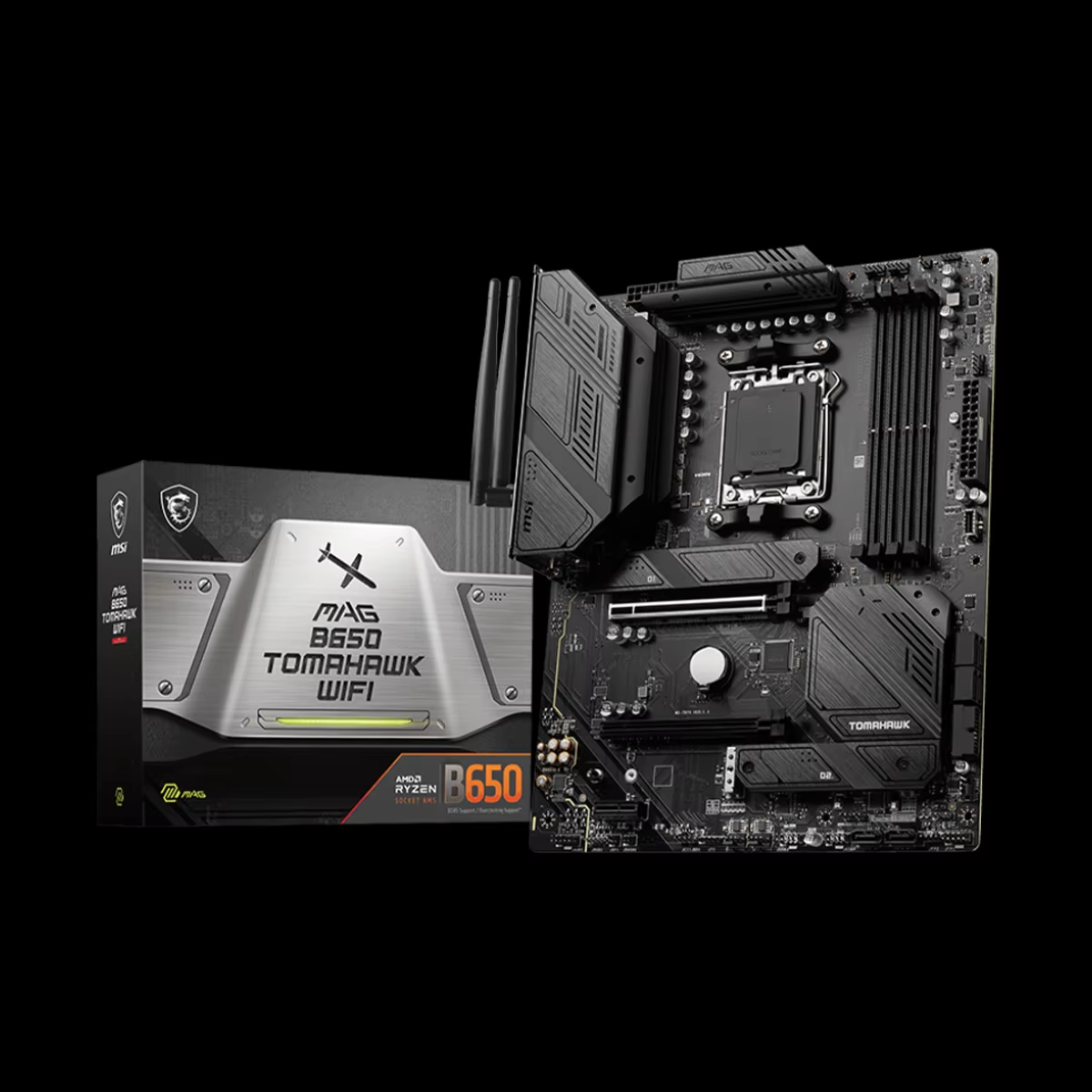
Premium Motherboard: The Core of High-Performance Computing

Get a Free Quote

Our representative will contact you soon.
Email
Mobile
Name
Company Name
Message
0/1000

Versatile Features Designed For All Purposes Motherboards

Accomplish multi-level computing tasks with our motherboards designed for multi-purpose use. From gaming, content creation, to business applications, these motherboards feature great expandability, allow multiple device support, and superlative compatibility. Get a system tailored to your evolving needs by upgrading to a more advanced motherboard.
Get A Quote

Advantages of the product

Design Innovations Emphasizing Accessibility

A computer build should be fun and easy to do, not a struggle. Our motherboards come with manuals designed around user-friendliness, including straightforward guidelines on the labeling and arrangement of parts, which eliminates confusion during installation. New users are well catered for through the manuals and guided documents available through the internet. The design of connectors and ports allows relative positioning freedom for better tacky-free clutter control, yielding improved cool air circulation throughout the computer case. This user-friendly design not only reduces time spent on installation, but also improves ease of upgrades and maintenance.


Related products

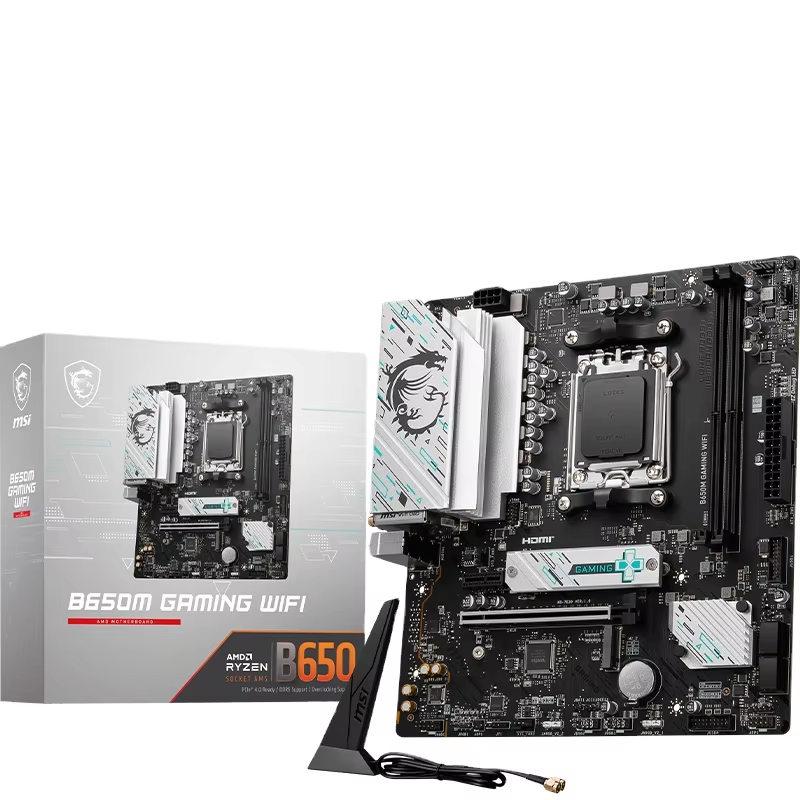
A multi purpose motherboard is engineered for versatility, designed to capably serve a wide spectrum of computing needs without specializing excessively in any single domain. These boards typically strike a careful balance between connectivity options, expansion capabilities, and performance features, making them suitable for roles ranging from office workstations and home entertainment centers to light creative tasks and educational computing. Key characteristics often include a mid range chipset like Intel's B series or AMD's B chipset offerings, providing a sufficient number of PCIe lanes for adding a discrete graphics card, additional storage, or networking cards, alongside multiple USB ports (including modern USB 3.2 Gen 1/2) and integrated audio solutions. They support a broad range of processors, allowing users to select a CPU that matches their specific performance and budget requirements without being constrained by the motherboard's capabilities. Our approach to these motherboards is informed by deep market analysis, identifying the core features that deliver the greatest utility to the majority of users. We ensure these products undergo rigorous compatibility testing with a wide array of components, guaranteeing stability for mixed usage scenarios. Supported by our global smart logistics network, we deliver these versatile solutions to clients in over 200 countries, offering the cost effectiveness derived from our dual capacity as both a proprietary brand and an OEM/ODM provider. Our dedicated support team stands ready to assist with configuration for various use cases, ensuring that regardless of a client's location or primary computing language, they can deploy a reliable and adaptable system foundation that grows with their evolving needs.

Frequently Asked Questions

Are there any prerequisites concerning software for a motherboard?

A motherboard does not need specific software to operate at a basic function level, though there are a few software elements to keep in mind. The BIOS (Basic Input/Output System) or UEFI (Unified Extensible Firmware Interface) needs to be configured and must be set up correctly. You might need to change settings related to the boot sequence, overclocking options, or enabling/disabling specific functionalities in the BIOS/UEFI menus during startup. Moreover, for proper functionality of the motherboard with other components, device drivers must be installed. These drivers are typically available on the manufacturer's site and need to be installed so that the operating system can interact with the motherboard’s functionalities like USB, audio, and network interfaces. All these suggestions are critical from a security and performance perspective. It is equally essential to maintain up-to-date versions of BIOS/UEFI as well as other device drivers.

Related Articles

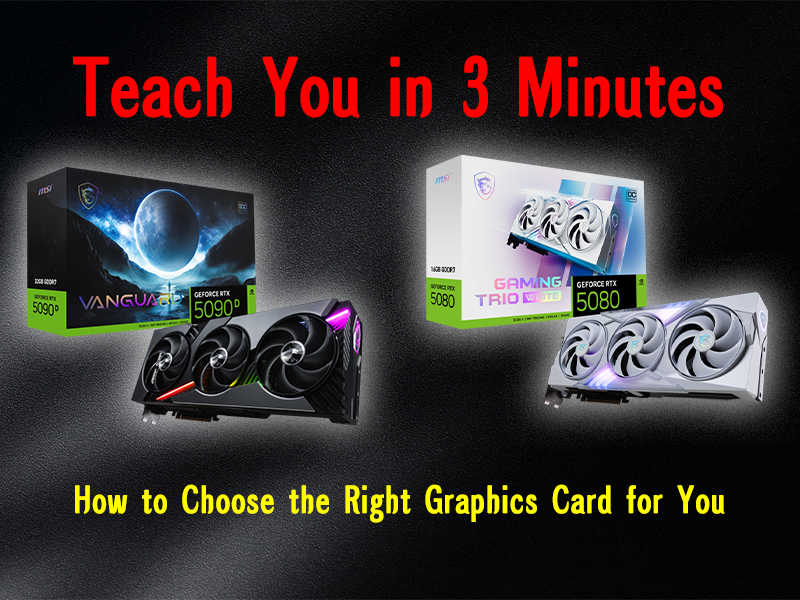
How to Choose the Right Graphics Card for Your Gaming PC

06

Jun

How to Choose the Right Graphics Card for Your Gaming PC

Choosing The Right GPU for Your Unique Gaming PC Building Although a CPU might be equally important, the one component that takes the spotlight when purchasing any gaming PC is the GPU. Unlike other computers, gaming PCs focus a lot on the GPU, to ...
View More
The Ultimate Guide to Custom PC Builds

06

Jun

The Ultimate Guide to Custom PC Builds

Building your own PC can be pretty exciting whether you’re a pro gamer, a creative professional, or someone who just wants to sharpen their computing skills. This guide will help you identify how to customize the computer's components to fit yo...
View More
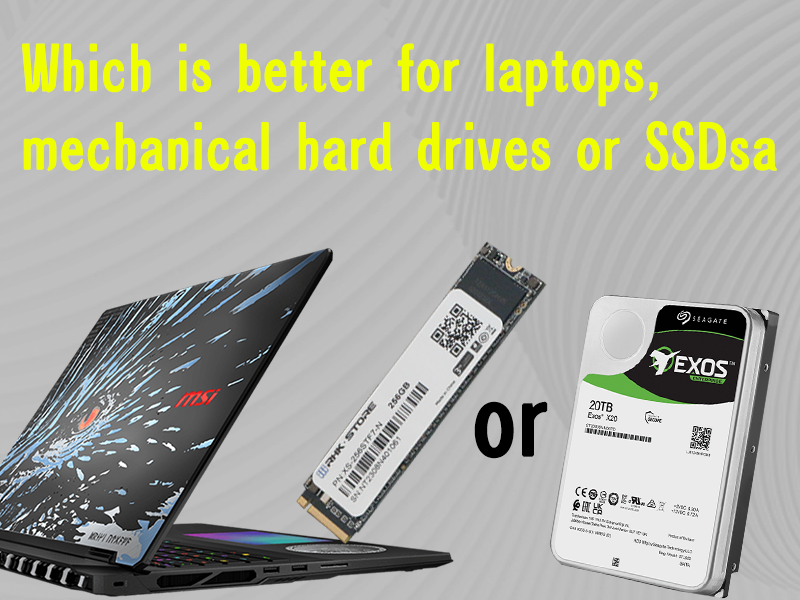
SSD vs HDD: Which is Better for Your Laptop?

06

Jun

SSD vs HDD: Which is Better for Your Laptop?

When it comes to enhancing a laptop’s storage, two storage types take center stage: Solid State Drives (SSDs) and Hard Disk Drives (HDDs) .Each of these drives has its distinct features and weaknesses. Consumers must understand the pros and con...
View More
Gaming PC vs Workstation: Which is Right for You?

06

Jun

Gaming PC vs Workstation: Which is Right for You?

When it comes to choosing a powerful computer, the decision between a gaming PC and a workstation often confounds users. Both are built on the foundation of desktop computer technology, but their purposes and optimal hardware configurations vary sig...
View More

Customer Reviews

Tyler
The Best Quality Features

When I’m working on my multimedia projects, I need heavy lifting done by my computer. This motherboard has made my life so much easier! Thunderbolt support and overclocking capability are just the icing on the cake for me. My system is stable enough that I will not crash during my long rendering sessions. Thanks to the many additional ports, I have been able to connect all the peripherals I require, including external hard drives and high quality audio interfaces. It is quite clear that a lot of effort has been put into the designing of this motherboard as the build quality is excellent. Not only does the design look great, but it is extremely user friendly and allows for easy upgrades. In my eyes, this motherboard is absolutely perfect and I would recommend it to anyone in the creative industry.

Get a Free Quote

Our representative will contact you soon.
Email
Name
Company Name
Message
0/1000
Next Generation BIOS with Configuration and Overclocking Capabilities

Next Generation BIOS with Configuration and Overclocking Capabilities

Each one our motherboards is equipped with an all-in-one easy-to-use UEFI BIOS driven with a good Interface along with sophisticated features which also comes with advanced tuning options. If you are new or an enthusiast, overclocker, you can easily modify the CPU primary controls like frequency, voltage levels, and even memory timing to your liking. The BIOS comes with built-in one-click utilities that perform automatic overclocking for enhanced efficiency which is quite useful for those that do not have a lot of experience yet. Never miss the latest feature updates and CPU support with routine firmware upgrades.
Enhanced DTS and DTS 3 Components for Multi Dimensional Audio

Enhanced DTS and DTS 3 Components for Multi Dimensional Audio

With our motherboards’ high-definition audio systems, users are able to enjoy crystal-clear sound. Our motherboards are designed with peerless sound reproduction that comes from enhanced capacitors, noise isolating circuitry, advanced codec technology and can handle audio captures for gaming, music or movies. Whatever headphones or speakers you use, you can receive breathtaking DTS Ultra powered and DTS 3 augmented three-dimensional audio that fully envelopes your sound experience.
Comprehensive Security Features

Comprehensive Security Features

With our motherboards security system, you can protect your information and system from unauthorized access. Trust Privacy Module 2.0(TPM 2.0) ensures damaged sensitive files will be encrypted and safely stored during system boots while enhancing confidentiality. The additional layer of protective measure against malware tasked with a validation abuse by unsupported BIOS is guaranteed together with secure connections. Regardless of the system mechanisms bound or the hardware used, these MBs are equipped with an agile comprehensive security system.