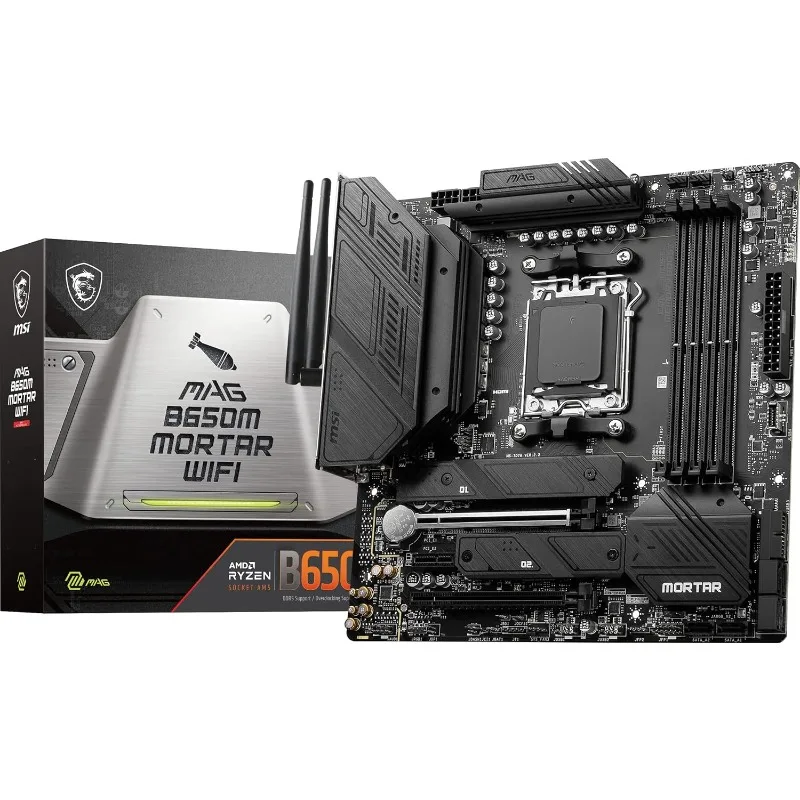
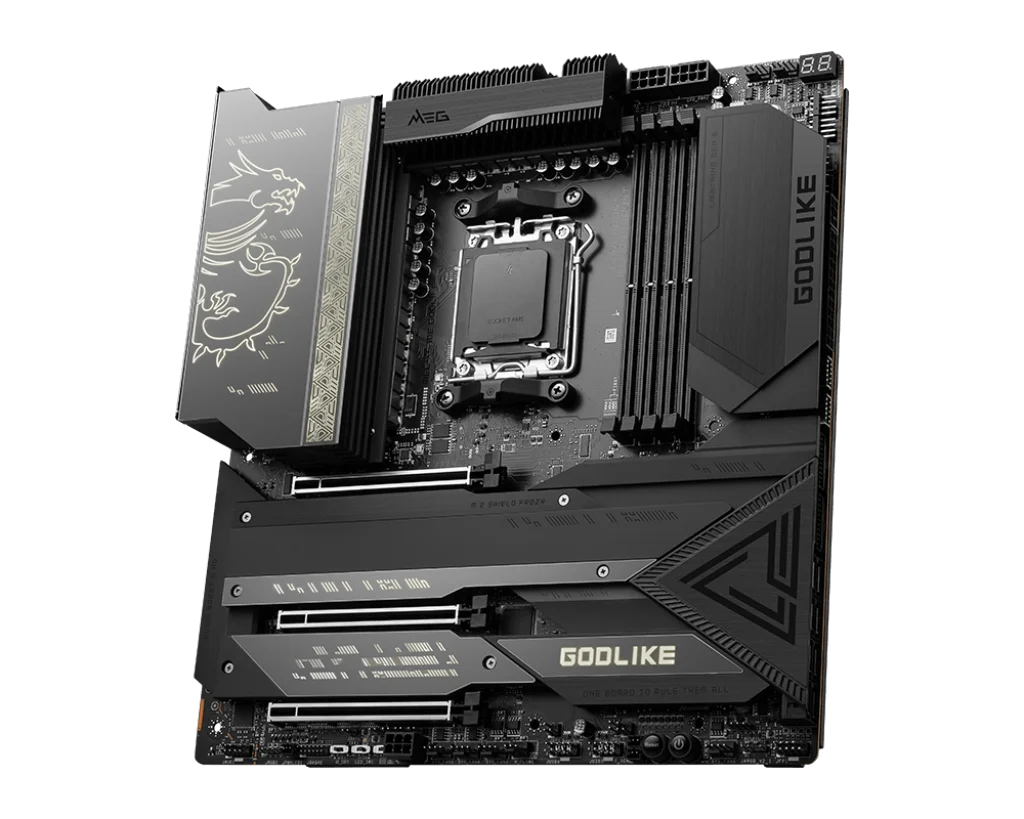
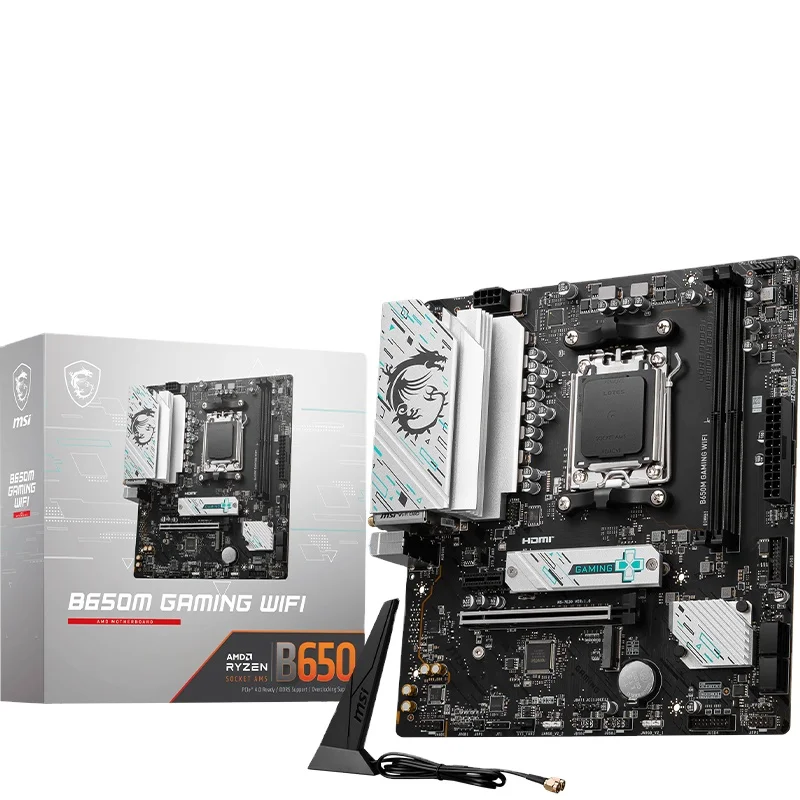
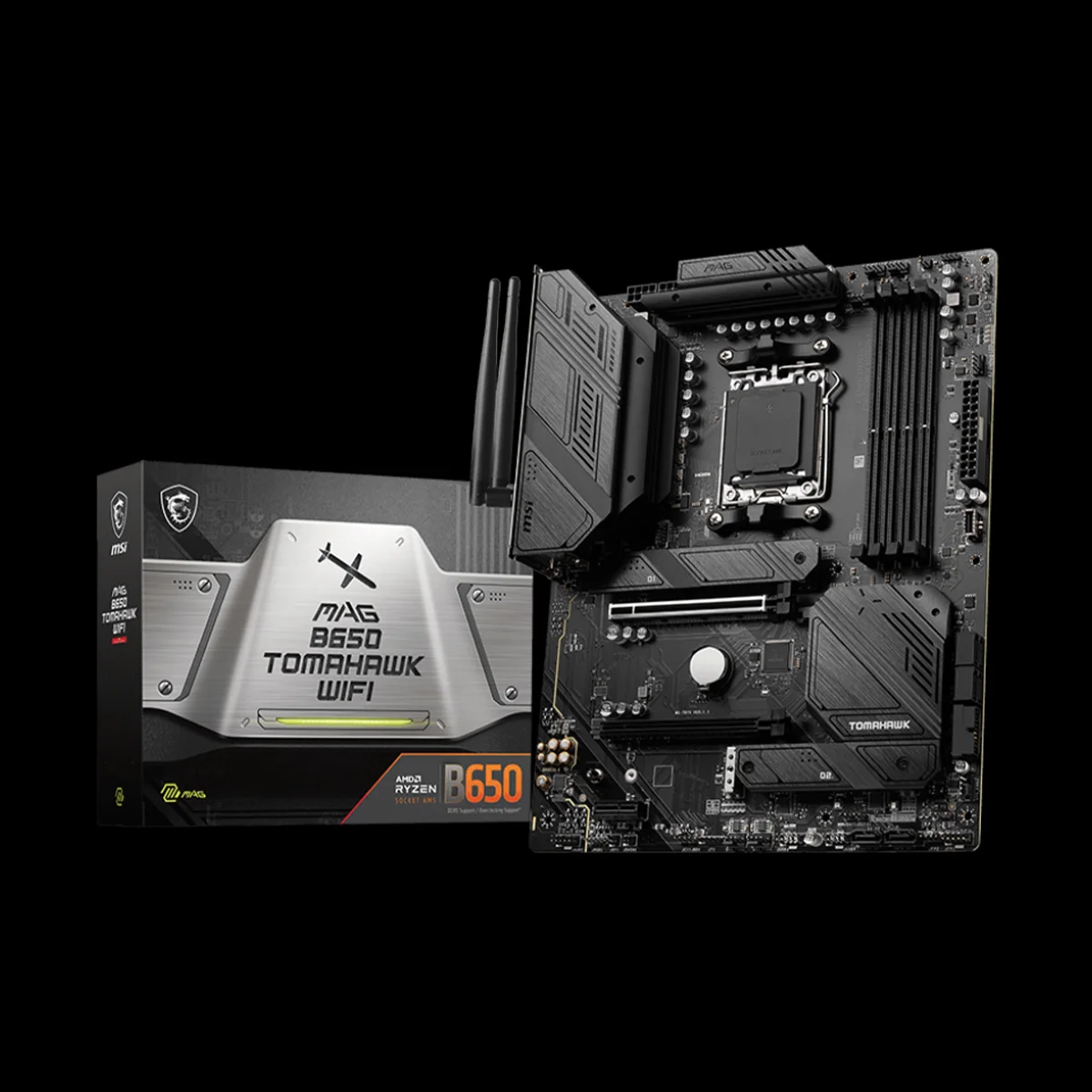

An underclocked CPU represents a strategic configuration where the processor operates below its designed maximum frequency to achieve specific performance characteristics, primarily focused on reducing power consumption, thermal output, and improving system stability in constrained environments. This technique involves manually setting lower clock speeds and voltages through BIOS settings or specialized software, resulting in decreased computational performance but significant benefits in other areas. The primary applications include silent computing systems where reduced thermal output enables passive cooling or slower fan speeds, embedded systems requiring maximum reliability and minimal power draw, and thermally constrained environments like small form factor builds where heat accumulation must be carefully managed. The power reduction follows a non linear relationship with frequency reduction, often achieving disproportionately large energy savings due to the cubic relationship between voltage and power consumption in CMOS circuits. This makes underclocking particularly valuable for always on systems, home servers, and media centers where continuous operation costs are a concern. Stability improvements result from operating the silicon well within its designed parameters, reducing electromagnetic interference and voltage fluctuation issues that can cause system crashes in marginal configurations. The process requires careful balancing excessive underclocking can render systems unusably slow, while insufficient voltage reduction may not achieve the desired power savings. Modern processors offer sophisticated underclocking capabilities through features like AMD's Eco Mode or Intel's Speed Shift technology that provide automated, optimized underclocking profiles. Our company provides consultation services for underclocking configurations based on specific use cases and performance requirements. Through our technical expertise and component testing capabilities, we help customers achieve their desired balance of performance, power efficiency, and reliability, with support available for BIOS configuration, stability testing, and long term monitoring of underclocked systems.