Desktop Computer: The Ultimate Powerhouse for Productivity and Entertainment

Get a Free Quote

Our representative will contact you soon.
Email
Mobile
Name
Company Name
Message
0/1000
Affordable Towers: My Cheap Desktop Computers

Affordable Towers: My Cheap Desktop Computers

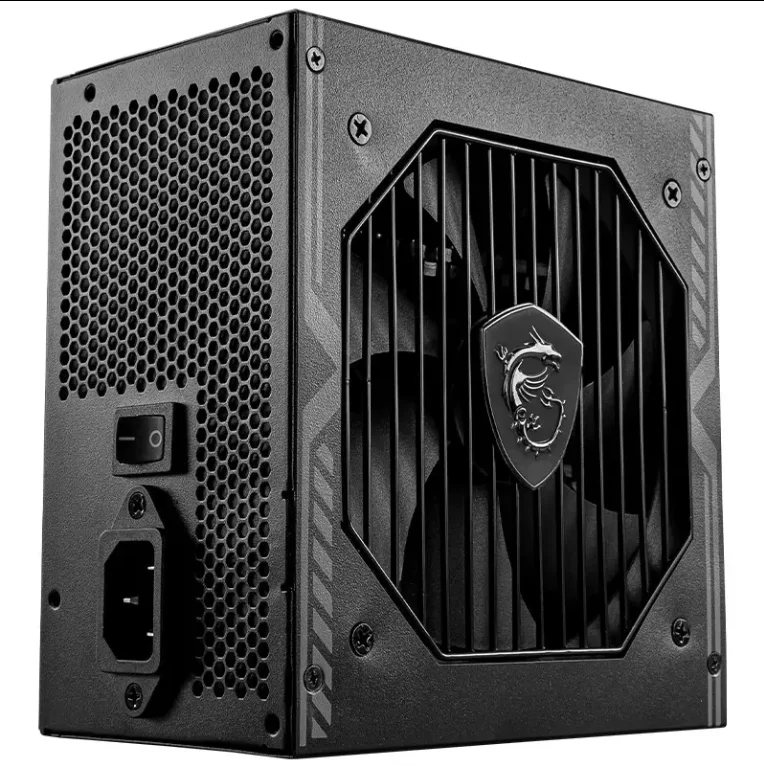
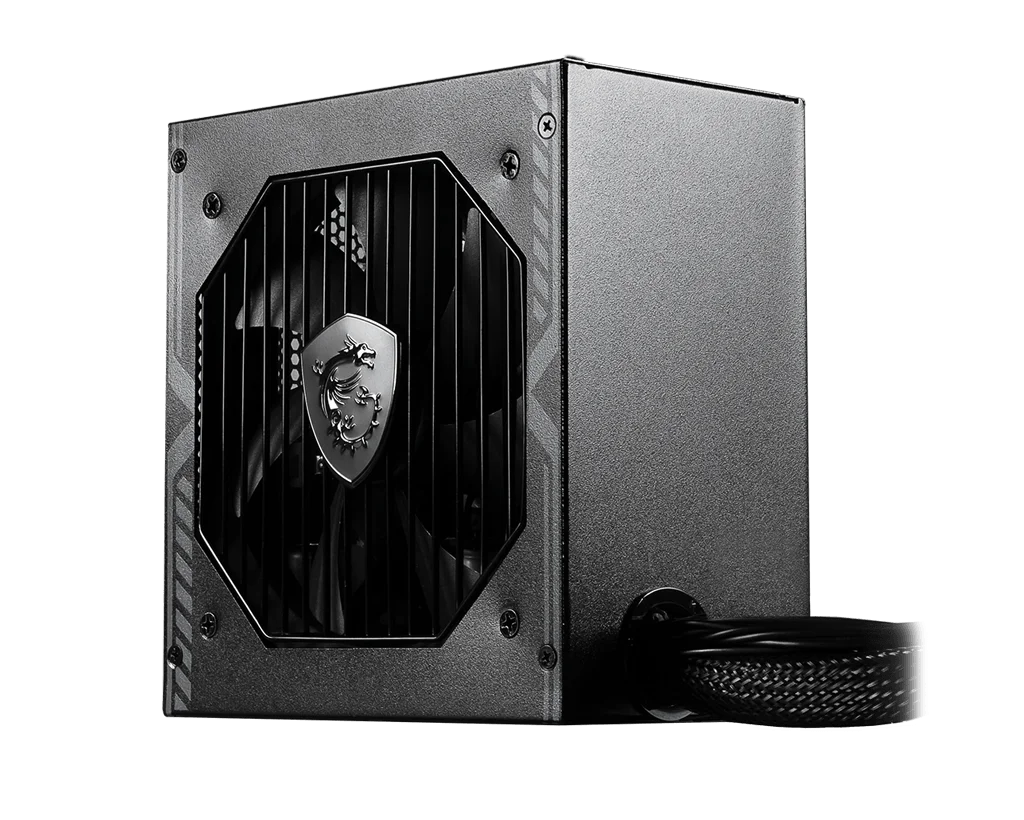
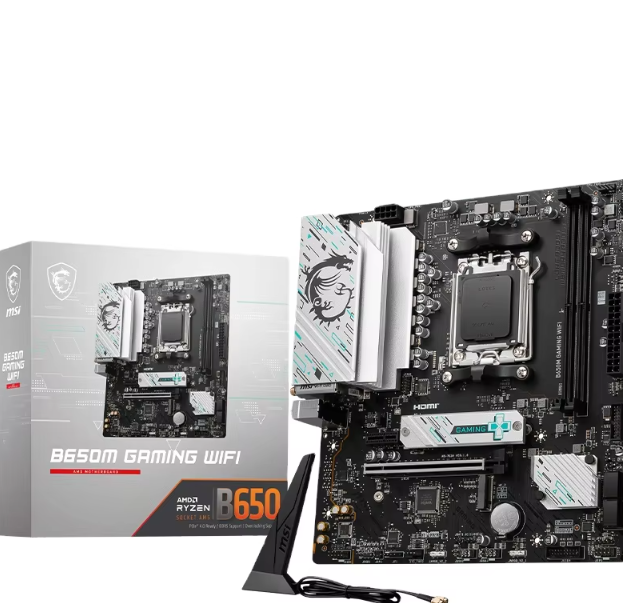
I offer cheap desktop computers that are perfect for students, offices, and light home use. My cheap desktop computers start with AMD Ryzen 3 or Intel Core i3 processors, 8GB of RAM, and 256GB SSDs. While the price is low, I do not compromise on quality; I use brand-name MSI motherboards and power supplies. My cheap desktop computers are perfect for web browsing, document editing, and video playback. I test each unit for stability. I source components in bulk to keep costs down. Contact me for current pricing on my cheap desktop computers. I ship globally.
Get A Quote

Advantages of the product

Best Value and Customization Potential

For users, desktops offer the best value and performance customization potential. In comparison to mid-tier laptops, desktops are more cost-effective and powerful. Laptops and PCs that provide similar performance capabilities are priced over $1,000. In addition, desktops can be customized since users can choose the parts they want. This means that they can start with a basic setup and upgrade according to their requirements. Because of this, students, small business owners, and home users stand to benefit the most because while they may not need all the advanced features initially, they do want the option to expand in the future. Further, the customizability of parts means that users can source components from different vendors and optimize the price-performance ratio.


Improved Stability and Cooling

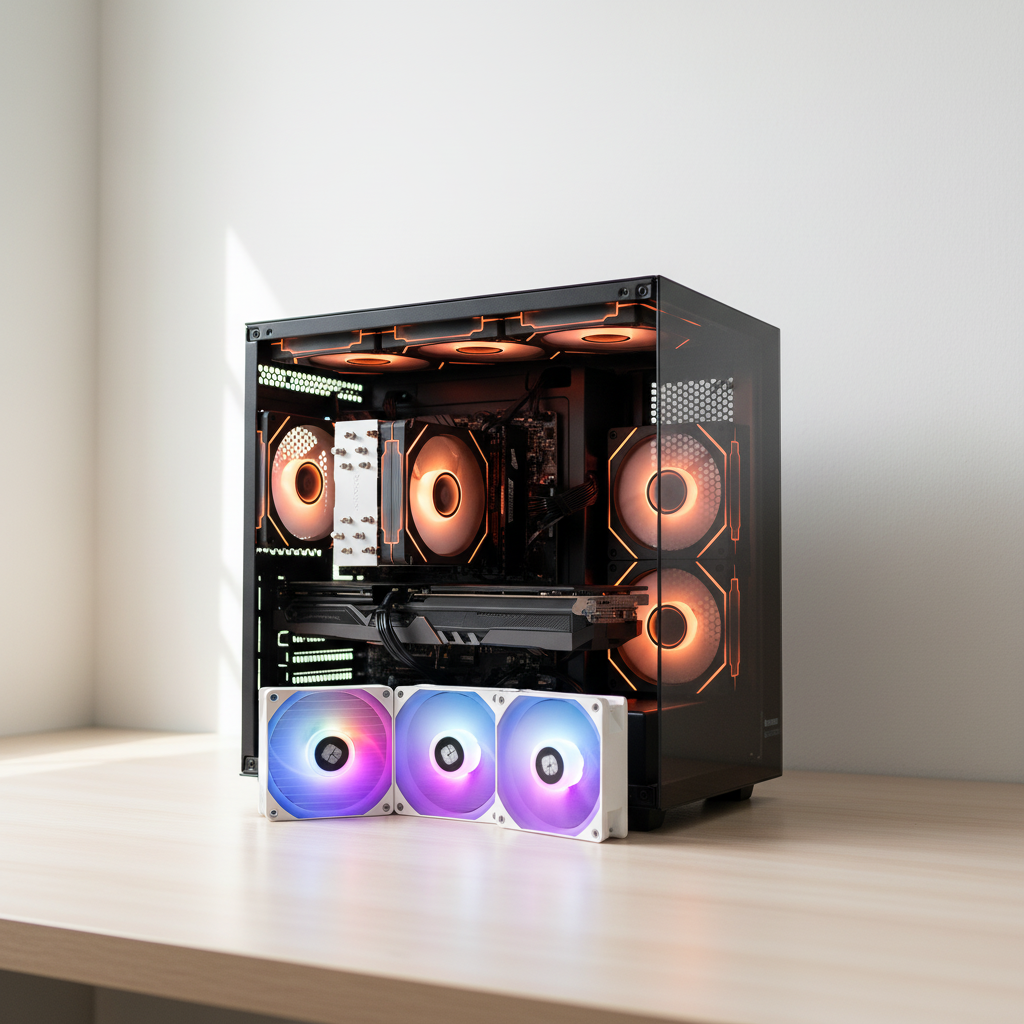
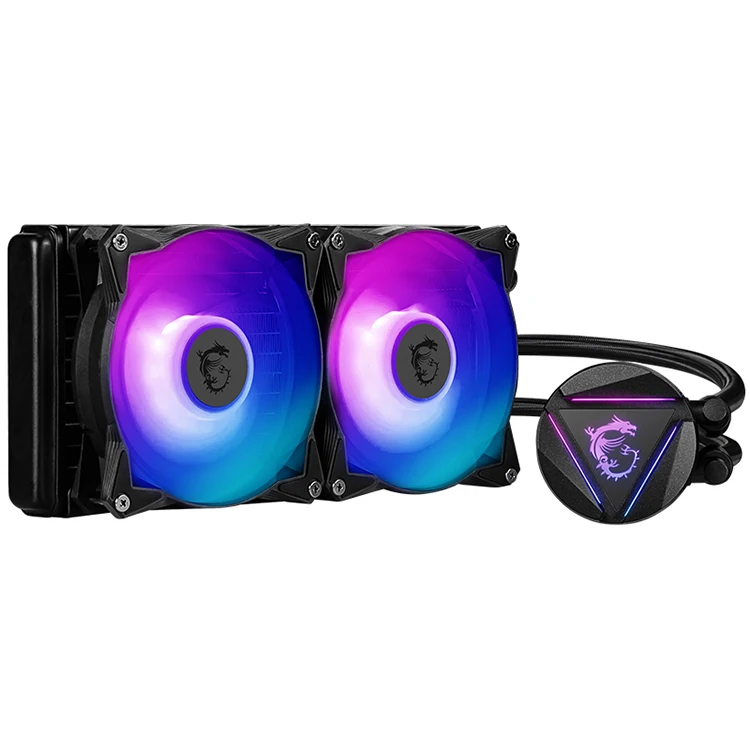
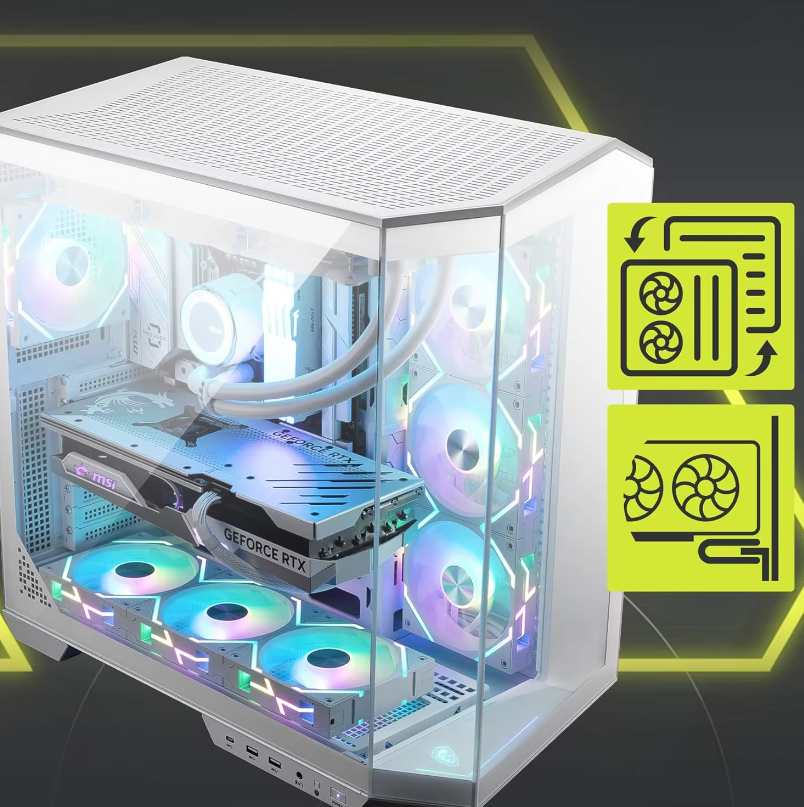
Cooling systems utilized in desktops are superior when compared to those used in laptops. This, in turn, contributes to increased stability and longevity. Since desktops have a larger form factor, their internal layouts are more spacious in comparison to laptops. This enables the fitting of larger fans, heat sinks and even liquid cooling systems. Improved cooling mitigates overheating issues that may be caused by resource demanding applications or games, which greatly utilize system components over long periods of time. Therefore, desktops are able to reliably sustain system performance over an extended period of time without crashes or hardware failures. This makes desktops a device of choice for professionals and individuals since they are able to utilize the reliable features offered.

Related products

Our range of cheap desktop computers is designed for organizations and individuals who need reliable performance on a strict budget. RHKSTORE provides cheap desktop computers that prioritize functional efficiency and hardware durability over luxury features. By utilizing our 10-plus years of supply chain expertise, we are able to source high-grade, affordable components that deliver a superior user experience. Our cheap desktop computers are ideal for high-volume deployments in sectors like education, basic industrial monitoring, and digital marketing support roles. Our internal data shows that systems built with our optimized budget configurations have a much lower failure rate than consumer-grade "cheap" PCs found in major retail outlets. We focus on providing a "high-impact" foundation, ensuring that every machine can handle essential modern software with zero lag. We advocate for a data-driven choice, helping you identify the cheap desktop computers that offer the best ROI for your organization. Because we update our inventory frequently to reflect the latest market conditions, we encourage you to contact us for current availability and a professional quote. Contact us today to learn more about our cost-effective computing solutions and how we can support your business goals.

Frequently Asked Questions

Are component upgrades possible for my desktop computer?

Of course, upgrading components is one of the best advantages of desktop computers. Most desktops have a modular structure which means that parts can be easily added or replaced. The CPU, GPU, RAM, storage, and power supply can all be modified. One has to check the compatibility of the motherboard and other parts before upgrading. As an example, with a CPU upgrade, the socket type on the motherboard needs to match with the new CPU. In the case of RAM, it is critical that the new modules are compatible with the memory slots on the motherboard in terms of type and speed. Careful selection and research can greatly improve the overall performance of the desktop.
In comparison, laptops are often perceived to have lower performance relative to desktop computers. This is due to effective cooling solutions present in desktops which allow high performance CPUs and GPUs to be used. With more available space in a desktop, higher grade components can be utilized as well, making it suitable for complex data processing, high end gaming, 4K video editing, and more. Laptops on the other hand, prioritize portability. Smaller frame means that the power of components, as well as cooling systems, may be underwhelming when compared to that of a desktop. While some high end laptops come at a premium price, they tend to perform similarly to desktops but lack the customizability and power of desktops.
In case your desktop computer overheats, here are some methods to try out. Inspect if the fans within the casing are functioning properly. Fans and heatsinks can get dirty, so you should unclog them with compressed air. Make sure the case has the proper ventilation and is not cluttered by other objects as they can impede airflow. Consider upgrading your cooling system by adding additional case fans or changing the CPU cooling assembly to a liquid cooling one. Inspect if there are malfunctioning components and if the thermal paste between the CPU and the heatsink needs changing. You can use monitoring software to keep track of the load temperatures of different components and solve problems before they become serious.

Related Articles

The Ultimate Guide to Custom PC Builds

06

Jun

The Ultimate Guide to Custom PC Builds

Building your own PC can be pretty exciting whether you’re a pro gamer, a creative professional, or someone who just wants to sharpen their computing skills. This guide will help you identify how to customize the computer's components to fit yo...
View More
SSD vs HDD: Which is Better for Your Laptop?

06

Jun

SSD vs HDD: Which is Better for Your Laptop?

When it comes to enhancing a laptop’s storage, two storage types take center stage: Solid State Drives (SSDs) and Hard Disk Drives (HDDs) .Each of these drives has its distinct features and weaknesses. Consumers must understand the pros and con...
View More
What Makes a High-Performance Gaming PC Build?

25

Mar

What Makes a High-Performance Gaming PC Build?

GPU Selection: The Core of Every Gaming PC Custom BuildMatching GPU Tier to Target Resolution and Frame Rate (1080p–4K)The graphics card selected for a gaming rig makes all the difference when it comes to picture quality, how smooth everything runs, ...
View More
How to Match a Motherboard for Enterprise PC Builds?

25

Mar

How to Match a Motherboard for Enterprise PC Builds?

CPU and Chipset Compatibility: The Core Enterprise Motherboard Requirement Matching Socket Type and Generation to Enterprise CPUs (Xeon, EPYC) For enterprise grade CPUs such as Intel Xeons and AMD EPYCs, getting compatibility right matters a lot at ...
View More

customer evaluation

Mary
Gaming Paradise

Every desktop computer serves as a portal to a gamer's paradise like myself. With a powerful motherboard and all the newest peripherals, I’m able to access the most modern games while making full use of their settings! To further enhance my experience, I've added a cutting-edge subwoofer and immersive headsets. The lighting on my custom made case sets the mood while I go planet hopping or crush my opponents in PvP skirmishes. Considering the price, my desktop achieves unmatched results, making it the ultimate purchase for any hardcore gamer.

Sarah Miller
Excellent after-sales service

One of the RAM sticks in my desktop computer failed after 10 months. I contacted RHKstore support, and they sent a replacement kit via express delivery within 3 days – no need to return the faulty part first. They also provided a video guide for installation. This kind of service is rare nowadays. I will buy all future office PCs from them.

Get a Free Quote

Our representative will contact you soon.
Email
Name
Company Name
Message
0/1000
Unrestricted Component Selection

Unrestricted Component Selection

The range of components available for desktop computers is unrivaled. Users can select from different manufacturers’ CPUs, GPUs, motherboards, and many other parts with varying capabilities and performance. This provides the user the opportunity to design a system according to his preferences and needs whether he is looking to build a more economical configuration for simple tasks, or setting up a workstation for professional-grade operations. Desktops allow users to mix and match components as per their requirements, making them the most versatile option.
Multitasking Mastery

Multitasking Mastery

The powerful hardware configuration of desktops makes multitasking remarkably easy for them. Desktops can run multiple applications simultaneously without any noticeable drops in performance. This advantage is great for users doing disparate tasks, including professionals managing multiple projects, students balancing assignments and research, or home users merging entertainment with productivity apps. High-end CPUs, large amounts of RAM, and effective cooling systems allow desktops to operate under intensive multitasking efficiently, which improves overall productivity and convenience.
Customizable Aesthetics

Customizable Aesthetics

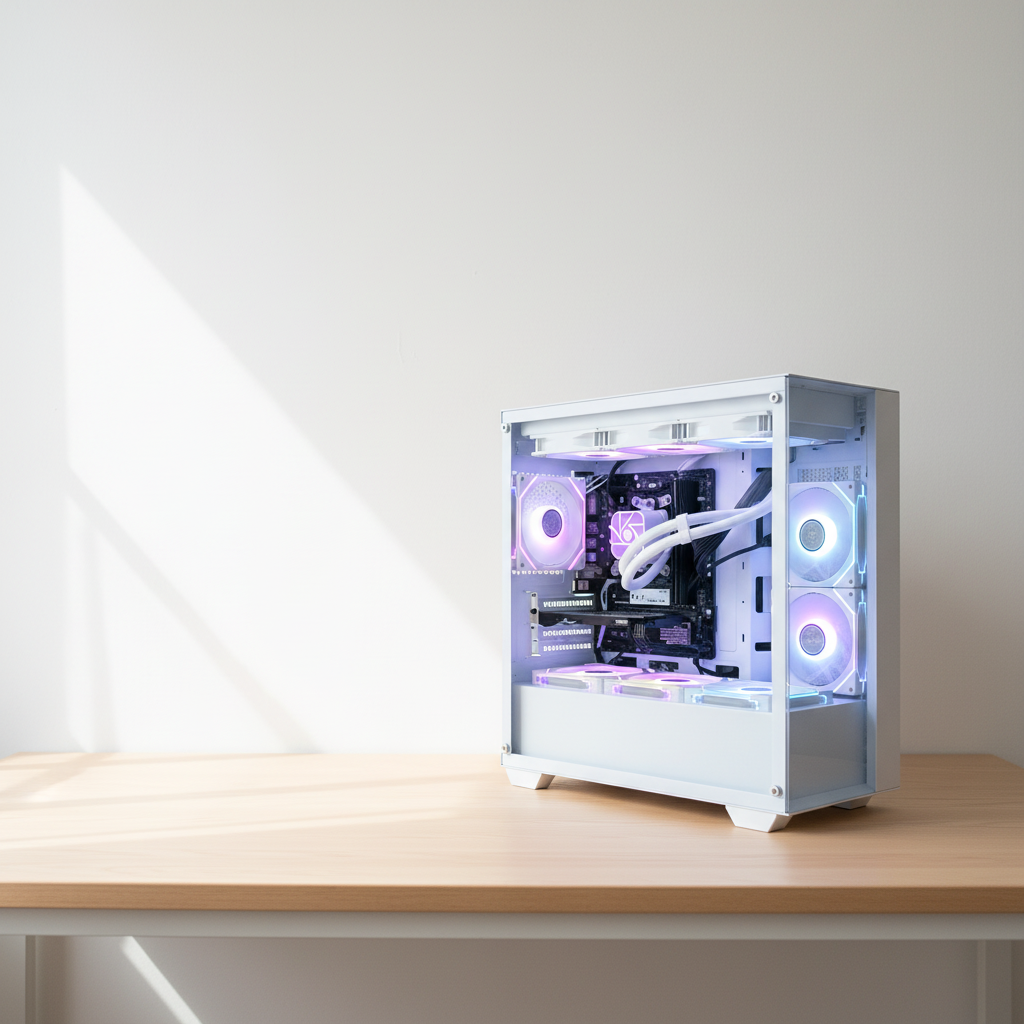
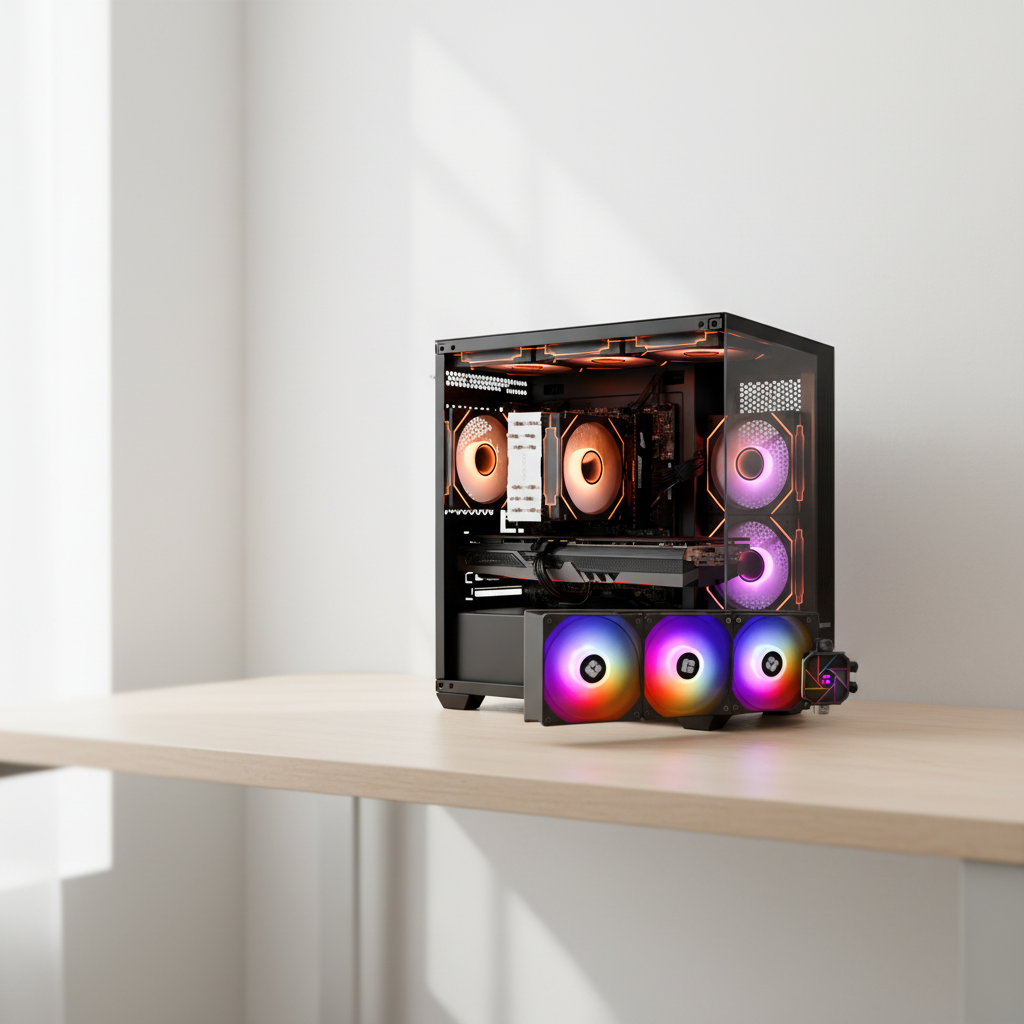
Users of desktop computers have the opportunity of personalizing the aesthetics of their systems. To begin with, users can choose unique cases that come in different shapes, colors, and materials, and oven incorporate the use of RGB lights. Additionally, they can practice custom cable management. All these practices lead to users having desktops that not only perform efficiently but also have a pleasing physique. Even the interior components are not spared from these customizations. With some enthusiasts going as far as using custom painted graphics cards or even color RAM sticks. Customizing desktops aesthetics enables individuals to personalize the systems which makes them function masterpieces in the office or gaming arena.