Next-Gen CPUs: Powering AI, Performance & Future-Proof Systems

Get a Free Quote

Our representative will contact you soon.
Email
Mobile
Name
Company Name
Message
0/1000

Motherboard for CPU: Complementary Piece Works Perfectly

Seamless system builds perform best with great compatibility. Having reliable connectivity backed with advanced features means our motherboards are the ideal match for your CPU as well.
Get A Quote

Advantages of the product

Remarkable Multitasking Skills

Advanced CPUs are known for their unrivaled performance when it comes to multitasking. Hyper-threading and other advanced technologies enable even a single CPU core to manage several instruction threads at the same time. This makes it possible for a computer to handle multiple processes at once without crashing. In a commercial environment, for instance, you can simultaneously work on a set of spreadsheets together with several word processors and email applications, all of which you can shift your focus to with ease. Consider gaming enthusiasts who actively play games while using voice chat and streaming software. Content creators work on several video editing projects, animation rendering, and media library organizing simultaneously. All of these are made possible through a CPU’s multitasking capabilities which, improves overall productivity and makes daily computing tasks simpler for users.


Related products

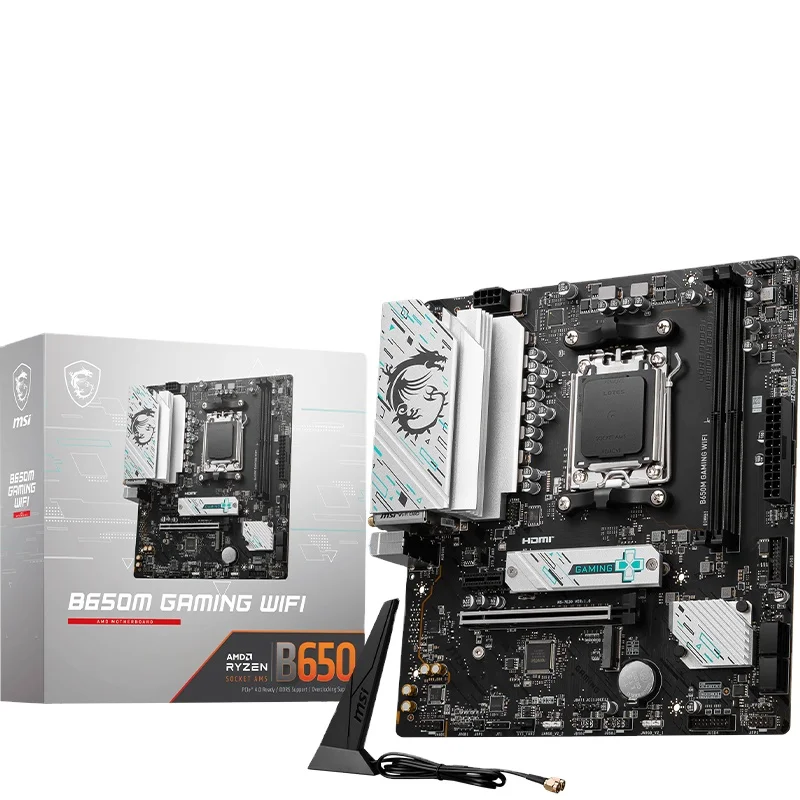
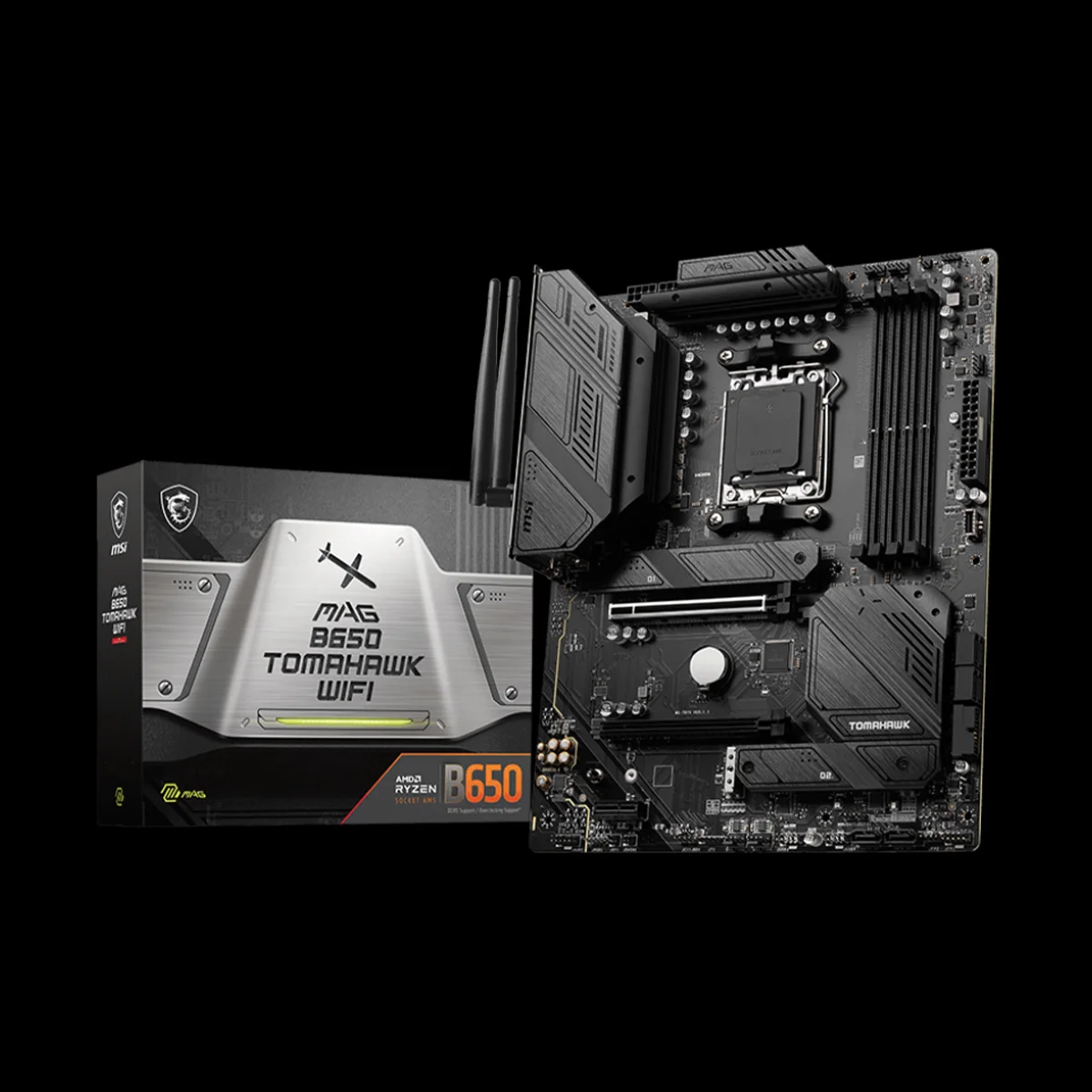
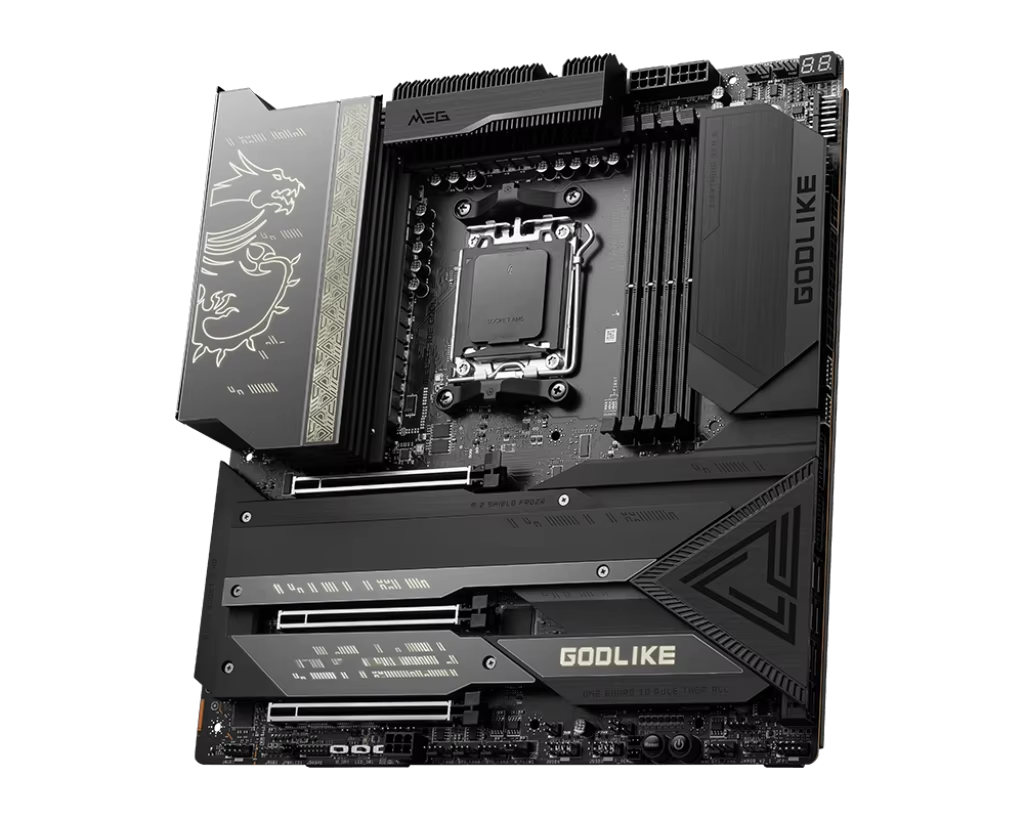
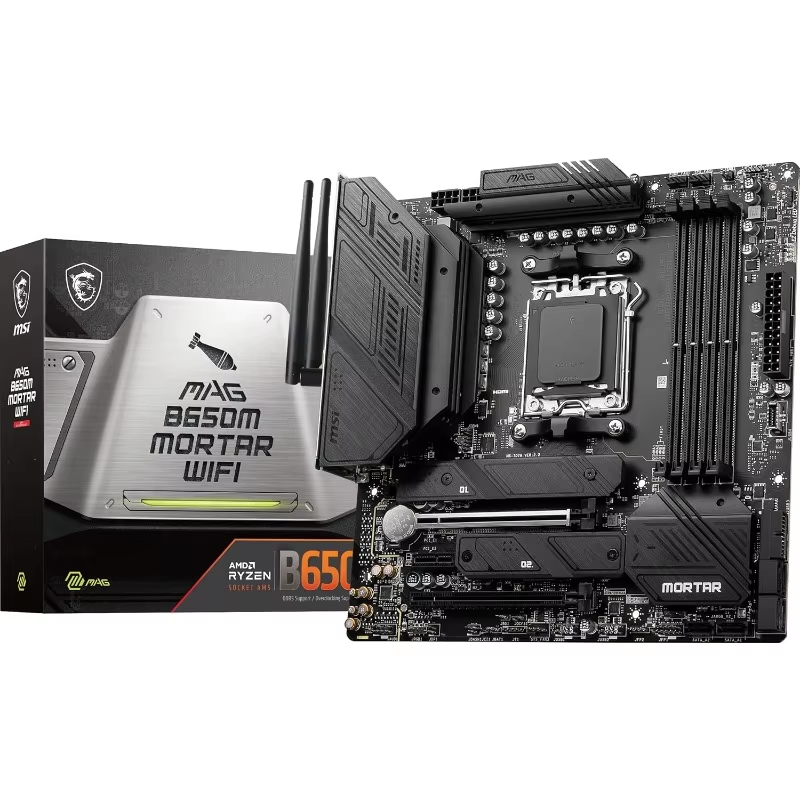
A motherboard for CPU represents the critical foundation that determines processor compatibility, system capabilities, and expansion potential, serving as the central nervous system that interconnects all components within a computing system. The compatibility matrix begins with the physical CPU socket – whether LGA 1700 for Intel's 12th 14th generation processors, AM5 for AMD's Ryzen 7000 series, or other specific configurations – which must precisely match the processor's pin arrangement and mechanical retention mechanism. Beyond physical compatibility, the chipset determines key capabilities including supported memory types (DDR4 vs. DDR5), PCIe lane allocation, storage interfaces (SATA, M.2), and overclocking support. The power delivery system, comprised of voltage regulation modules (VRMs) with multiple phases, must be appropriately sized for the processor's thermal design power (TDP) and potential overclocking headroom, with high end motherboards featuring robust VRM designs with premium components and heatsinks for stable power delivery under heavy loads. The BIOS/UEFI firmware provides the low level interface for system configuration, with features like memory profiles (XMP/EXPO), CPU frequency adjustment, and fan control that vary significantly across motherboard tiers. Physical form factors range from standard ATX with extensive expansion capabilities to compact Mini ITX for space constrained builds, each with different physical dimensions and mounting requirements. Integrated features commonly include networking solutions (2.5Gb Ethernet, Wi Fi 6E), audio codecs with dedicated amplification, and multiple M.2 slots for high speed storage. Our company offers a comprehensive selection of motherboards matched to specific CPU requirements, with each combination tested for compatibility, stability, and performance. Through our partnerships with leading motherboard manufacturers and global logistics network, we provide these foundational components to customers worldwide, complemented by technical support for BIOS configuration, compatibility verification, and system integration guidance to ensure successful builds.

Frequently Asked

What factors should I consider when choosing a CPU?

A number of different aspects come into play when selecting a CPU. Firstly, think about what you actually need it for. If you are a gamer, you will need a CPU with high single-core performance as well as good compatibility with the graphics cards. For content creation, a CPU with multiple cores may be needed for efficient video rendering and multitasking. The type of socket on your motherboard is also important because it dictates what other components will work with that CPU. Important form factors such as these are often overlooked but add great value. On top of that, consider the amount of power that the CPU uses, particularly if it’s a laptop you’re trying to conserve energy with, or a desktop you want to be energy-efficient. Don’t forget that the budget also plays an important role for many users since not all of the available CPUs are affordable.

Related Articles

Top 5 CPUs for a High-Performance Desktop Computer

26

Sep

Top 5 CPUs for a High-Performance Desktop Computer

Building or upgrading a high performance desktop computer is an exciting endeavor and the choice of the Central Processing Unit or CPU is the most critical decision you will make. Acting as the brain of the system the CPU dictates overall speed m...
View More
How to Choose the Right Graphics Card for Your Gaming PC

06

Jun

How to Choose the Right Graphics Card for Your Gaming PC

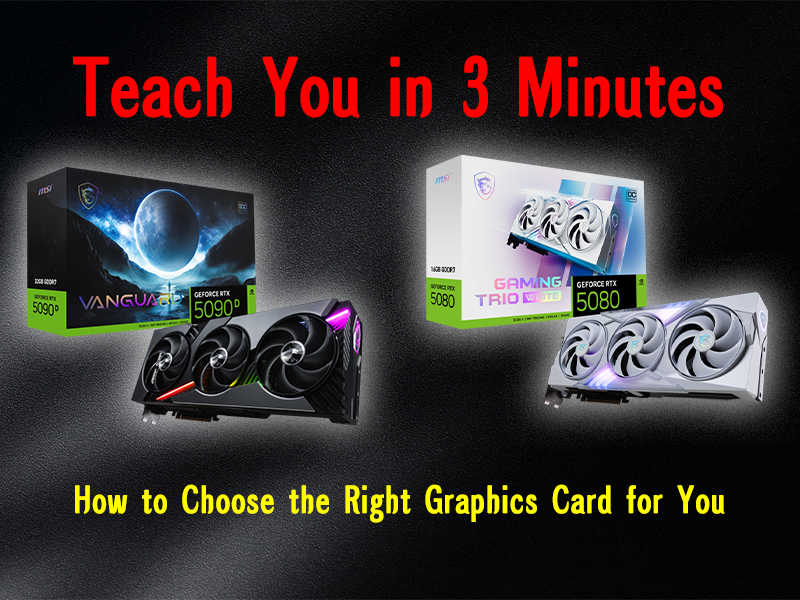
Choosing The Right GPU for Your Unique Gaming PC Building Although a CPU might be equally important, the one component that takes the spotlight when purchasing any gaming PC is the GPU. Unlike other computers, gaming PCs focus a lot on the GPU, to ...
View More
The Ultimate Guide to Custom PC Builds

06

Jun

The Ultimate Guide to Custom PC Builds

Building your own PC can be pretty exciting whether you’re a pro gamer, a creative professional, or someone who just wants to sharpen their computing skills. This guide will help you identify how to customize the computer's components to fit yo...
View More
Gaming PC vs Workstation: Which is Right for You?

06

Jun

Gaming PC vs Workstation: Which is Right for You?

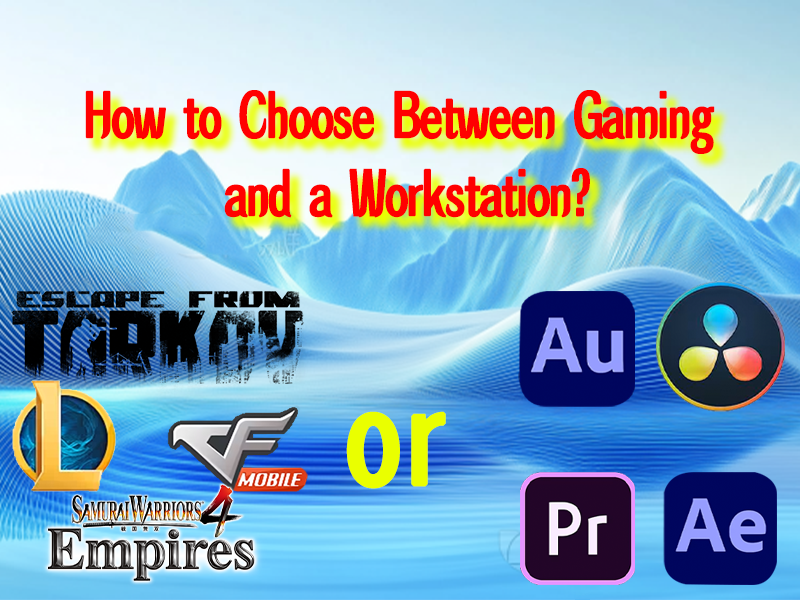
When it comes to choosing a powerful computer, the decision between a gaming PC and a workstation often confounds users. Both are built on the foundation of desktop computer technology, but their purposes and optimal hardware configurations vary sig...
View More

customer evaluation

Chase
No Interruption To Your Optimal Gaming Experience

I consider myself an extreme gamer and I had been facing issues with the frame rate drops and lag with the old CPU. My gaming experience has changed drastically ever since I upgraded my CPU. TheCPU I purchased has a high clock speed and is perfectly aligned with my graphics card, allowing me to run even the most demanding games without lag. Now, I can play all the graphically intensive games on ultra settings in high resolution and the frame rates also do not drop. The frame rate also does not drop. I can also steam my game on Twitch and chat with friends on Discord at the same time with no impact on performance. The multitasking feature is absolutely incredible. Any serious gamer looking for a lag free gaming experience needs this CPU. It is a game changer.

Get a Free Quote

Our representative will contact you soon.
Email
Name
Company Name
Message
0/1000
Perfection in Innovation

Perfection in Innovation

With each passing day, new innovations are coming up which improves everything about the CPUs. It is now possible to further scale down and optimize semiconductor processes, which increases the amount of transistors packed in a given space, hence improving the performance. In addition, the latest AI and machine learning modules integrated in some modern chips help them to perform intricate tasks with greater ease. For instance, the image, video and even language processing functions are performed at lightning speed by some processors which have been included using specialized AI accelerators. The range possibilites for the application of these devices has broadened tremendously with all these advancements.
Future - Proofing Your System

Future - Proofing Your System

To start off, you could invest in a high-grade quality CPU to future proof your system. It is beneficial if your system is capable of withstanding changes, especially as sofware applications are getting more advanced with new technologies and innovations. Advanced CPUs usually come with newer software, operating system updates, and integrated overclocking capabilities which enhances the system’s overall potential. By selecting a CPU that meets expectations, extending the life of the computer means lesser upgrades will be required midway.
Personalization and Customization Choices

Personalization and Customization Choices

CPUs have multiple options when it comes to customization. Depending on what you want, you can choose a different brand, model, and specification. Some CPUs allow overclocking, which is where you are able to increase the clock speed of the CPU and it’s performance. A CPU can be paired with various brands of mother boards, memory sticks, and storage systems to create a bespoke tailored computer system. This purpose serves a specific requirement which is to build a computer that aligns with how you want to use it whether it be gaming, content creation, or business applications.